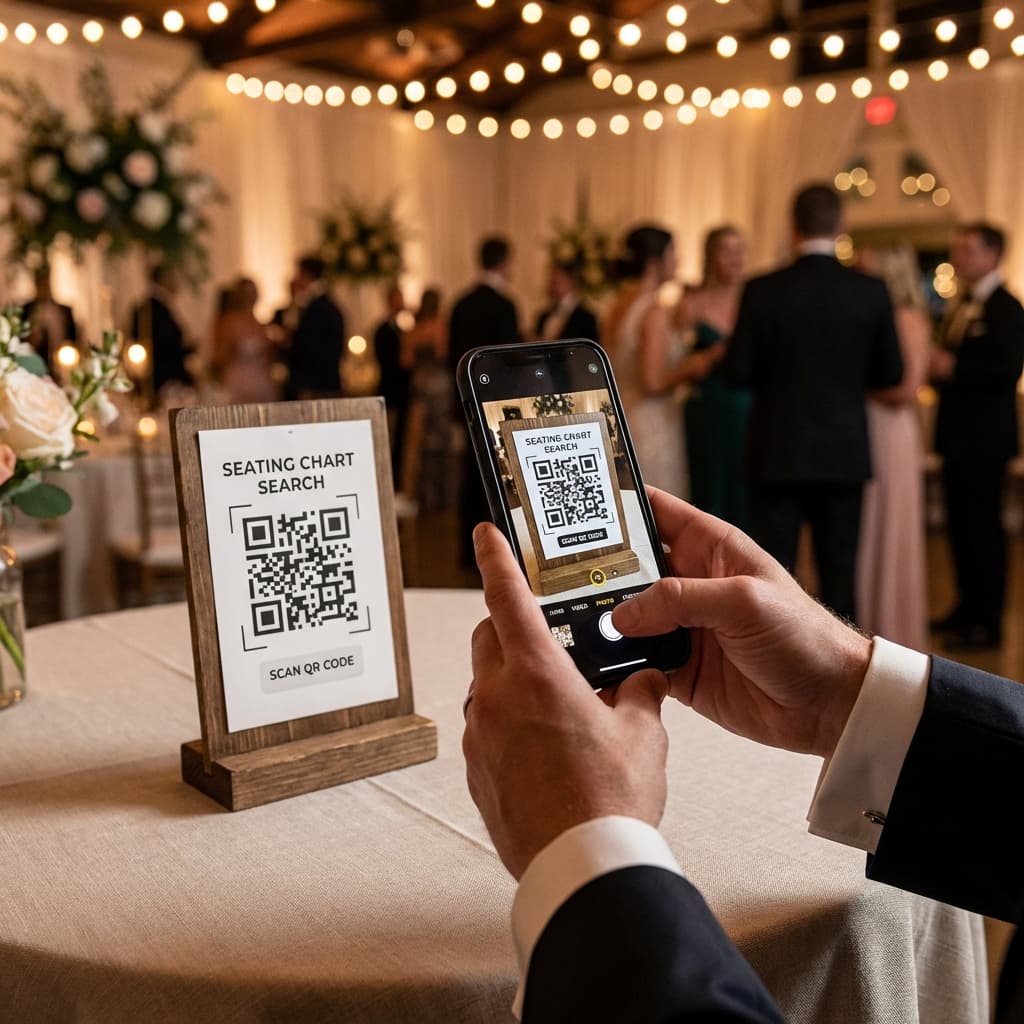
From weddings to corporate conferences, event QR codes have become the simplest way to connect guests with information instantly. One quick scan replaces printed handouts, long check-in lines, and crowded seating boards.
If you're planning any kind of gathering in 2026, understanding how to use QR codes for events can save you hours of work and give your guests a smoother, more modern experience. This guide covers everything you need — what they are, how to create them, and the best ways to use them.
Why Use QR Codes for Events?
The biggest advantage of an event QR code is speed. Instead of printing dozens of signs or handing out paper, you share one code that links to live, updatable information. Here's why planners are switching:
- Instant access – Guests get information in seconds, on their own phones
- No reprinting – Update details anytime without touching the physical code
- Lower cost – One code can replace stacks of printed material
- Contactless – No shared paper or touchscreens
- Trackable – Many tools show you how many guests scanned
7 Best Ways to Use QR Codes at Your Event
1. Seating Charts & "Find Your Seat" Displays
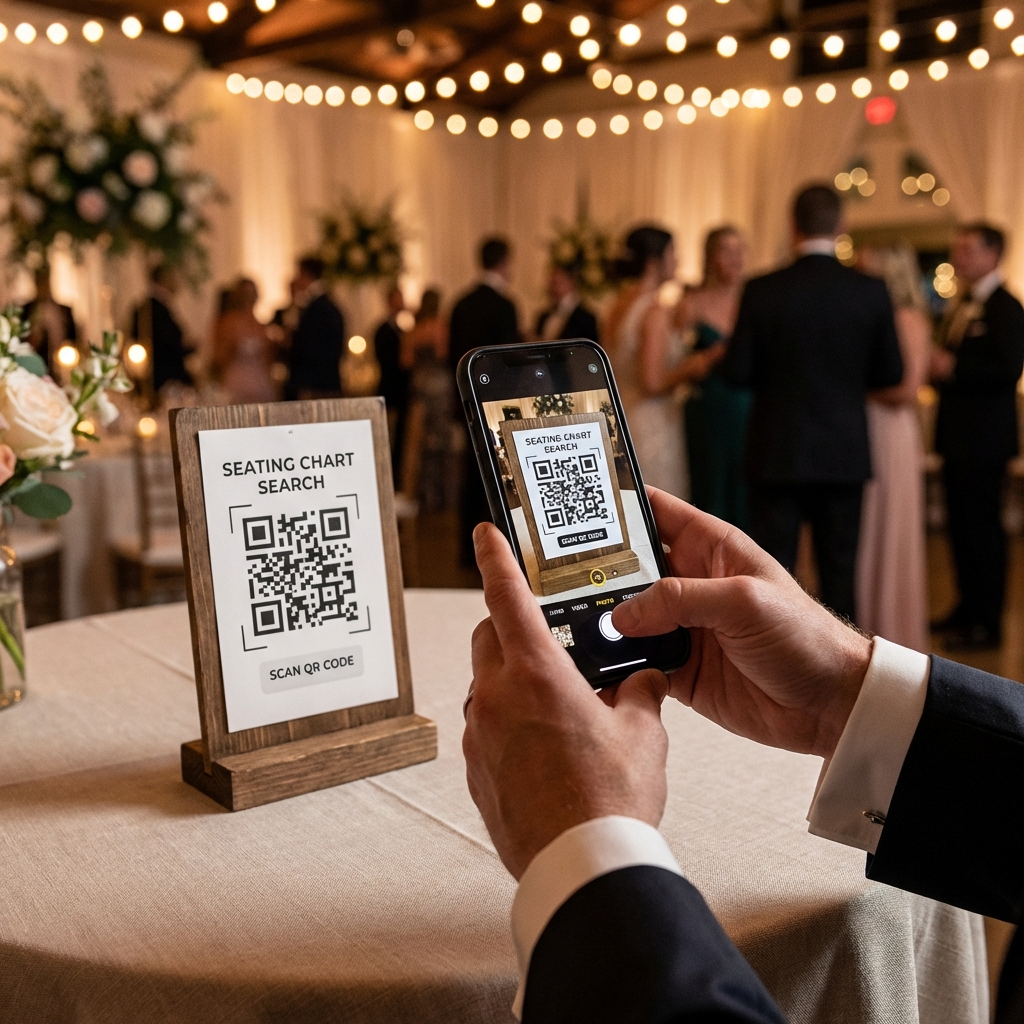
The most popular use for QR events is seating. Guests scan a code at the entrance, type their name, and instantly see their table. No crowding around a printed chart and no awkward searching.
2. Guest Check-In
Use a scan QR code to check in flow to move guests through the door quickly. This is ideal for conferences, ticketed parties, and large weddings where a manual list slows everything down.
3. Digital Menus
Place a code on each table linking to your food and drink menu. Easy to update, easy to translate, and far cheaper than reprinting menus for every guest.
4. RSVPs & Registration
Add a QR code to your invitations that links straight to your RSVP form. Guests respond in one tap, and your list updates automatically.
5. Event Schedules & Programs
Share the agenda, speaker bios, or ceremony order through a single scannable code. Perfect for multi-session conferences and full wedding days.
6. Photo Sharing
Link a code to a shared album so guests can upload and view photos in real time. Everyone leaves with the memories, no chasing people for pictures later.
7. Feedback & Thank-You Pages
After the event, point the same code to a feedback survey or a heartfelt thank-you message. One code, used end to end.
How to Create an Event QR Code
Making a create event QR code workflow is straightforward. Here's the simple process:
- Step 1: Decide what the code should link to (seating page, menu, RSVP form, etc.)
- Step 2: Generate the code with a tool like RH Seating — your guest data and design are handled for you
- Step 3: Download and print the code on signs, table cards, or invitations
- Step 4: Test it with your own phone before the event
Tips for Flawless QR Code Events
Check Your Connectivity
Most guests scan using mobile data, but confirm the venue has solid coverage. If it's spotty, ask about guest WiFi and include the network name near your codes.
Make Codes Easy to Find
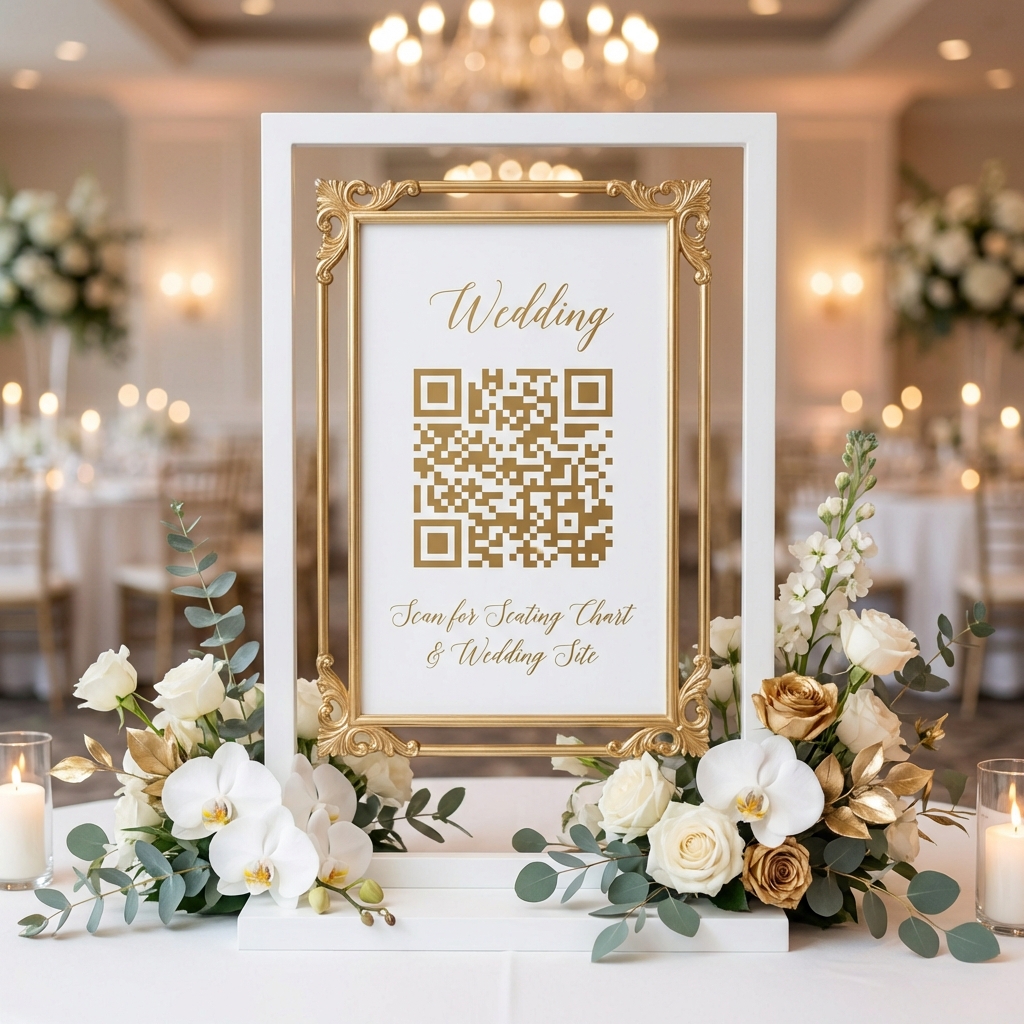
Position your guest QR code signage where people naturally pause — the welcome table, entrance, or each dining table — without blocking foot traffic.
Add a Short Instruction
A simple line like "Scan to find your seat" removes any hesitation for guests less familiar with QR codes.
Keep a Small Backup
Have a short printed list on hand for elderly guests or anyone without a smartphone. It takes seconds to prepare and covers every scenario.
Why Choose RH Seating for Your Event QR Codes?
RH Seating makes event QR codes effortless, especially for seating:
- Free to start – No hidden costs or subscriptions
- Beautiful themes – Match your wedding or event style
- CSV guest upload – Import your whole list in seconds
- Instant updates – Change details anytime, no reprinting
- Works everywhere – iPhone, Android, and tablets
Create Your Free Event QR Code
Set up a QR code seating chart for your wedding or event in just 5 minutes. Free, fast, and elegant.
Get Started Free →