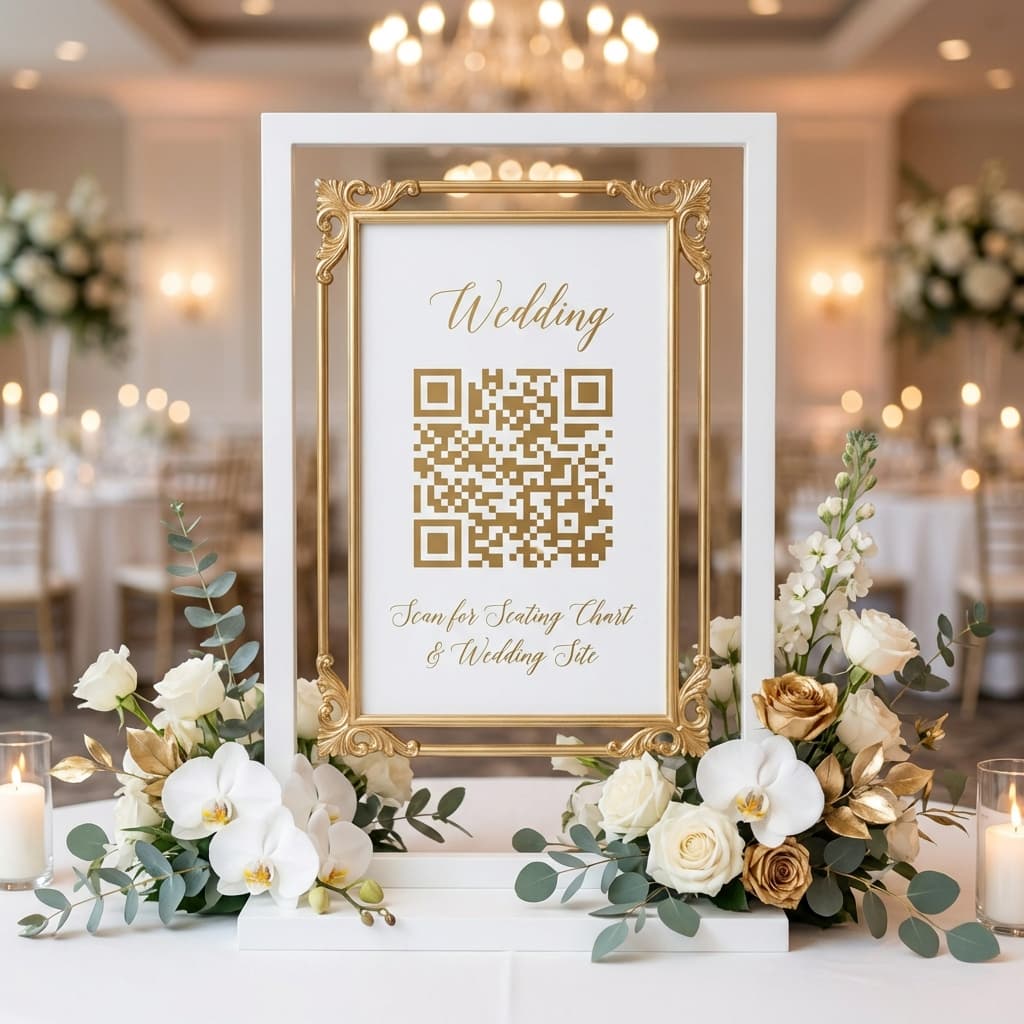
QR codes have revolutionized how we share information, and weddings are no exception. If you're looking for a modern, elegant way to help your guests find their seat, a QR code seating chart might be the perfect solution.
In this comprehensive guide, we'll walk you through everything you need to know about using QR codes for your wedding seating – from setup to display ideas to making sure every guest has a smooth experience.
What is a QR Code Wedding Seating Chart?
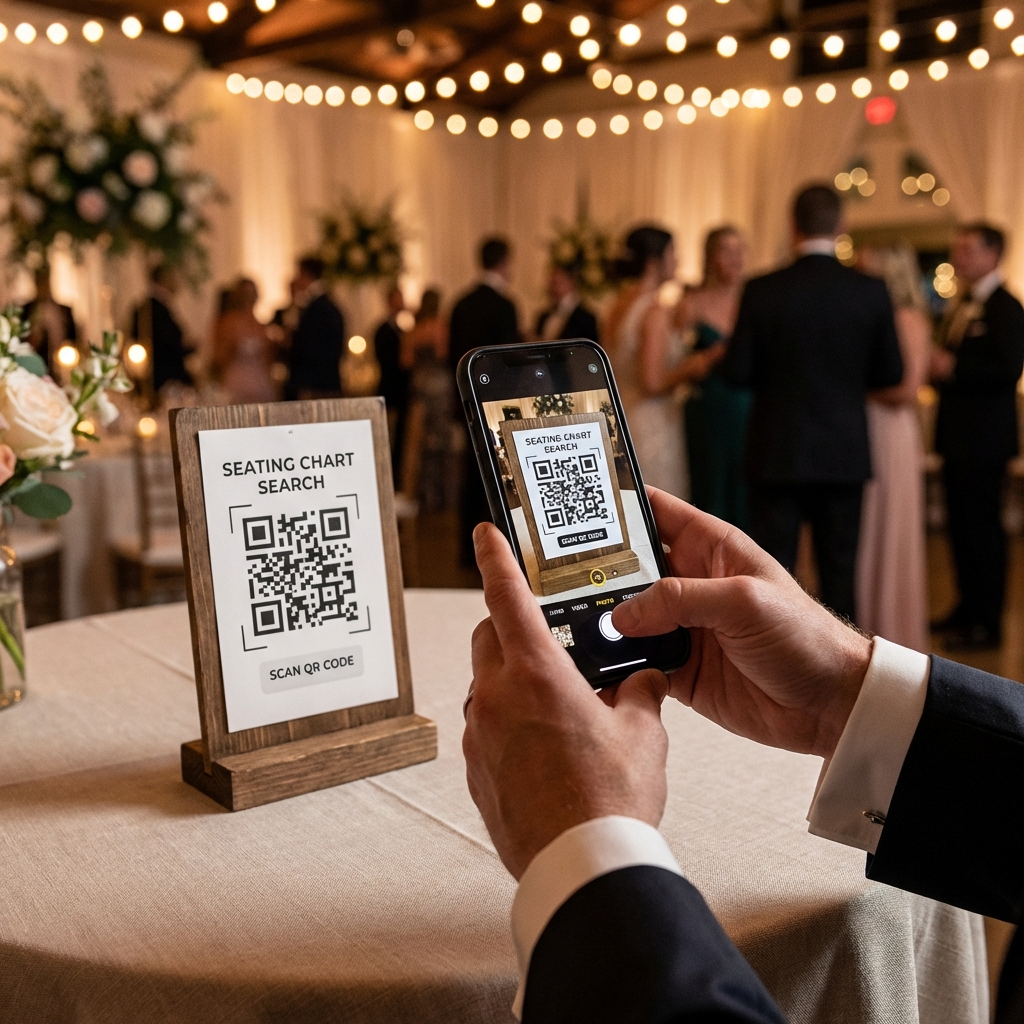
Instead of a traditional printed seating chart where guests crowd around to find their names, a QR code allows guests to simply scan with their phone and search for their seat digitally. It's fast, elegant, and very 2026!
Here's how it works:
- Guest scans the QR code with their smartphone camera
- A search page opens automatically
- Guest types their name
- Their table number appears instantly
Benefits of QR Code Seating
No More Crowding
With traditional charts, guests often crowd around trying to find their names. With QR codes, everyone can check their phone simultaneously – no waiting in line, no jostling for position!
Easy Last-Minute Changes
Need to move someone to a different table? With digital seating, changes are instant. Simply update your guest list online – no reprinting required. This is especially valuable when dealing with those last-minute RSVPs!
Modern and Elegant
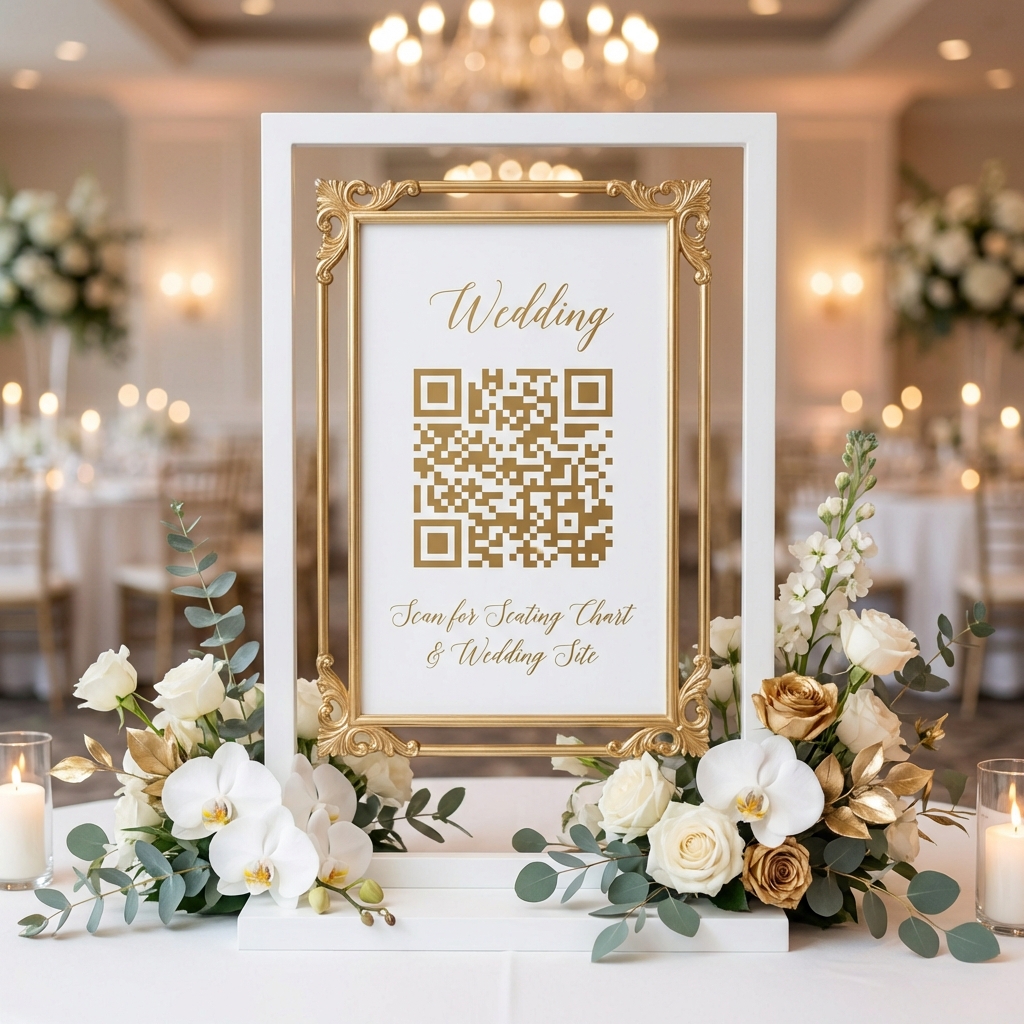
A beautifully designed QR code display looks sophisticated and shows you're embracing technology thoughtfully. It becomes a conversation piece and adds a contemporary touch to your celebration.
Works for Any Size Wedding
Whether you have 50 guests or 500, QR codes scale perfectly. The same simple scan-and-search works for everyone, making it ideal for large weddings where traditional charts become overwhelming.
Eco-Friendly Option
Going paperless with your seating chart is a small but meaningful way to reduce your wedding's environmental impact. No large prints, no escort cards, no waste!
How to Set Up Your QR Code Seating Chart
Step 1: Create Your Guest List
Start by organizing your guests and their table assignments. Most systems like RH Seating let you upload a simple spreadsheet (CSV file) with guest names and table numbers.
Step 2: Generate Your QR Code
Use a service like RH Seating to create a beautiful, scannable QR code linked to your event. The QR code will take guests directly to your personalized search page.
Step 3: Design Your Display
Print your QR code and place it in an elegant frame. Add clear instructions like "Scan to Find Your Seat" for guests who might not be familiar with QR codes.
Step 4: Test Before the Big Day
Always test your QR code with different phones (both iPhone and Android) to make sure it works smoothly. Have a few family members try it out to catch any issues.
Display Ideas for Your QR Code
Your QR code display should complement your wedding aesthetic. Here are some popular options:
- Elegant gold or acrylic frames – Classic and versatile
- Floral arrangements surrounding the display – Romantic and Instagram-worthy
- Multiple stations for larger venues – Reduces wait times
- Welcome sign with integrated QR code – Functional and decorative
- Stand-alone easel displays – Easy to position anywhere
Tips for Success
Ensure Good WiFi/Cellular Coverage
Make sure your venue has adequate cellular coverage or WiFi. Most guests will use mobile data, but having WiFi as a backup is helpful. Test this during your venue walk-through!
Have a Backup Plan
While QR codes work for the vast majority of guests, consider having a small printed list available for elderly relatives or anyone who might not be comfortable with technology.
Position Strategically
Place your QR code display where guests naturally congregate before entering the reception – near the welcome area but not blocking traffic flow.
Why Choose RH Seating?
RH Seating makes creating your QR code seating chart incredibly simple:
- Free to use – No hidden costs or subscriptions
- Beautiful, customizable themes – Match your wedding style
- Easy CSV upload – Import your guest list in seconds
- Instant updates – Make changes anytime
- Works on all devices – iPhone, Android, tablets
Create Your Free QR Seating Chart
Set up your digital seating chart in just 5 minutes. It's free, easy, and elegant.
Get Started Free →